
Screenshot cleanup
Delete Screenshots Without Scrolling Through Every Photo
By Omer Yom Tov, creator of KeepYeet · Updated July 15, 2026
Screenshots are useful precisely because they are quick. They capture a ticket, address, product, conversation, recipe, or reminder before you decide where that information belongs. The same convenience makes them easy to forget, leaving the photo library full of references whose purpose has already expired.
A screenshot-only cleanup removes the distraction of personal photos and turns the task into a practical review. Decide whether each image still contains actionable information, move that information somewhere more appropriate when needed, and delete the screenshot only after its job is finished.
A practical process
How to delete screenshots
- 1
Open screenshots as their own category
Avoid searching through the entire library. A focused screenshot view keeps the session practical and prevents unrelated memories from interrupting the task.
- 2
Ask whether the information still has a job
Keep active tickets, current instructions, or records you still need. Mark expired confirmations, completed reminders, and contextless captures for deletion.
- 3
Review for hidden importance
Check the deletion list for order details, addresses, receipts, or conversations that still matter before confirming the cleanup.
Keep the session useful
A quick cleanup checklist
- Expired tickets and event details
- Completed reminders and temporary reference images
- Old product comparisons or shopping captures
- Information already saved in a more useful place
- Receipts or records that still need to be kept
Where KeepYeet fits
KeepYeet gives screenshots a focused cleanup lane
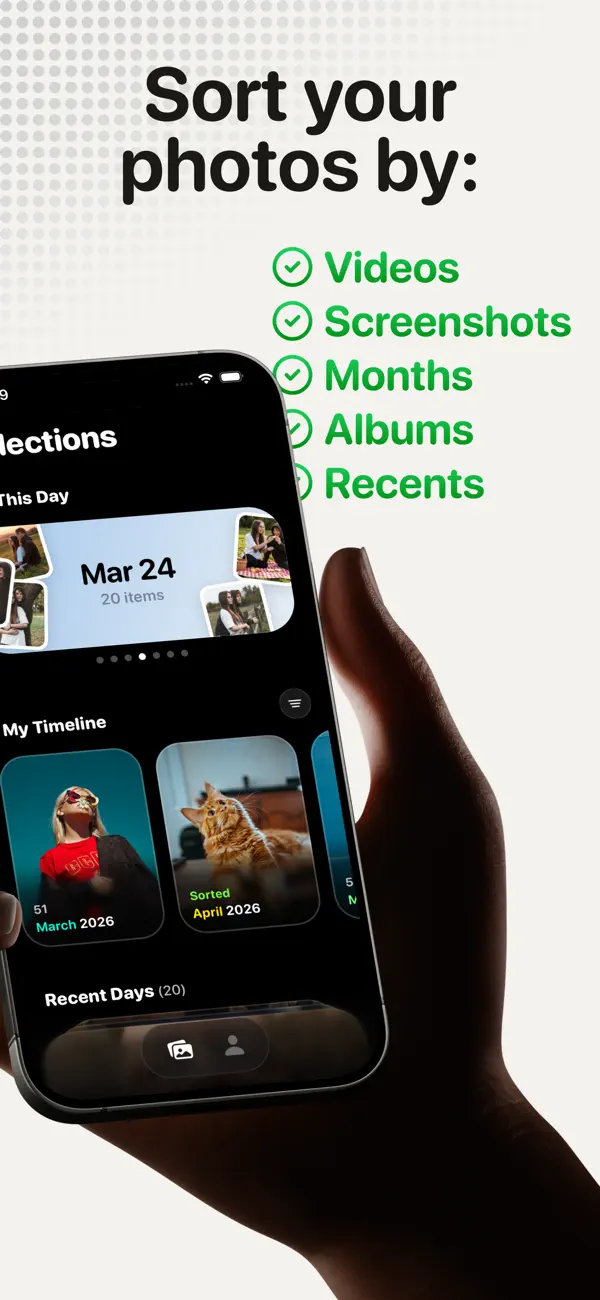
KeepYeet's screenshot filter isolates this category from the rest of the library. Swipe right when the information is still useful and left when the screenshot has finished its job, without working around unrelated photos.
The review step gives you one last chance to catch a record that still matters before deletion. Completed screenshot sessions also contribute to visible cleanup progress and reclaimed storage.
Questions people ask
delete screenshots FAQ
Can KeepYeet show only screenshots?
Yes. Screenshots are a dedicated filter, so you can clean them without scrolling through ordinary photos and videos.
Which screenshots should I delete first?
Begin with expired tickets, completed reminders, old confirmation screens, and reference information you no longer need.
How do I avoid deleting an important screenshot?
Check whether it contains an active record, address, receipt, or instruction, then inspect the full deletion list before confirming it.
Verified references
Platform and product sources
- KeepYeet on the Apple App Store — The public listing is the source for KeepYeet's current product behavior, compatibility, and privacy disclosures.
- Apple Support: Manage photo and video storage — Apple explains how photos and videos use device storage and the available storage-management options.
- Google Photos Help: Manage storage — Google explains photo and video storage, cleanup categories, and storage estimates.