
Camera roll cleanup
How to Clean Up Your Camera Roll in Short Sessions
By Omer Yom Tov, creator of KeepYeet · Updated July 15, 2026
Trying to clean an entire camera roll in one sitting usually creates more resistance than progress. The library contains different kinds of decisions: recent mistakes are easy to judge, screenshots are mostly practical, videos demand more storage attention, and older months can carry more emotional context. Treating all of them as one job makes the task unnecessarily heavy.
A better cleanup sequence starts with a clearly defined section and ends before decision fatigue takes over. Remove the easiest clutter first, move through one month or album at a time, and use a final review to separate confident deletions from items that deserve another look.
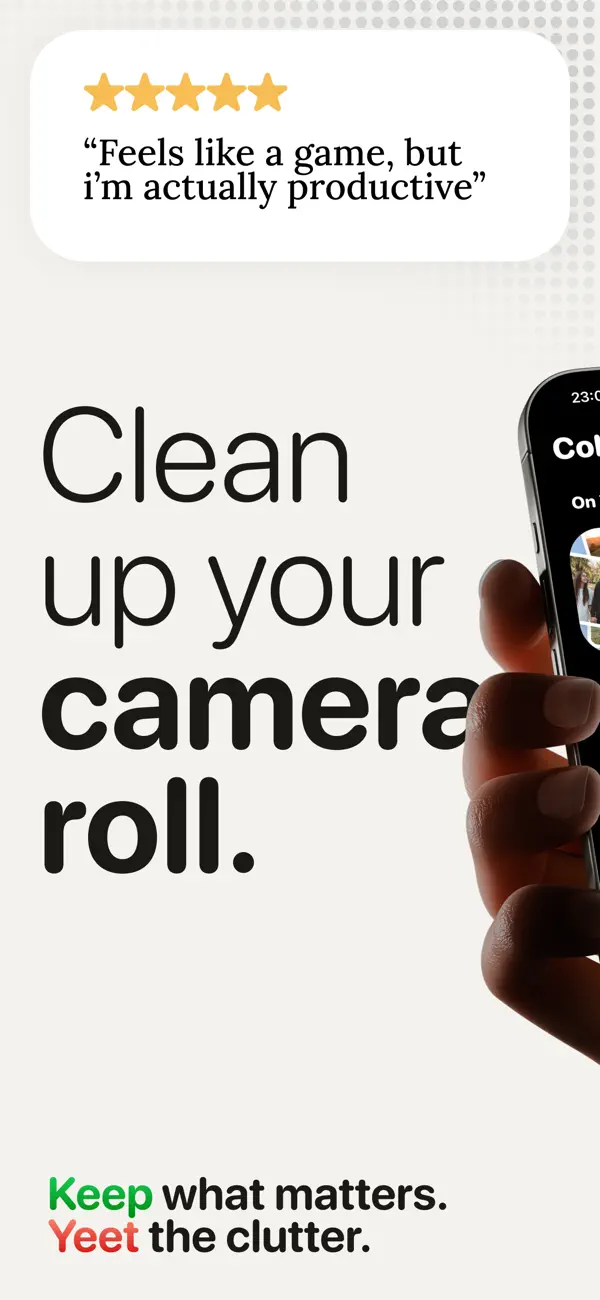
A practical process
How to clean up camera roll
- 1
Start with the easiest clutter
Open Recents or screenshots and remove items whose purpose has already expired. Early, obvious decisions create momentum without putting meaningful memories at risk.
- 2
Give older photos a boundary
Choose one month or album for the next session. Review related photos together so you can understand the event or period before deciding what still matters.
- 3
Finish with a review ritual
Check every item marked for deletion, restore uncertain choices, and confirm the rest. Record the progress, then leave the next category for another short session.
Keep the session useful
A quick cleanup checklist
- Clear expired screenshots and obvious recent mistakes first
- Review one month or album at a time
- Keep the strongest version when several shots tell the same story
- Separate uncertain items from confident deletions
- Schedule another short session instead of forcing a full-library cleanup
Where KeepYeet fits
Turn one large camera roll into smaller KeepYeet sessions
KeepYeet lets you enter the library through Recents, screenshots, videos, albums, or a month. That structure makes it easy to match the session to your available time: clear a practical category in a few minutes or review an older month when you have more attention.
Within each session, right means keep and left means mark for deletion. You review the marked items before confirming, while progress and reclaimed storage show what the completed session accomplished.
Questions people ask
clean up camera roll FAQ
What is the fastest way to clean up a camera roll?
Begin with a narrow, low-emotion category such as screenshots or Recents. Then handle older photos month by month instead of scrolling through the full library.
How often should I clean my camera roll?
A short weekly pass can control new clutter, while one monthly session can gradually reduce the older backlog. Consistency matters more than session length.
How do I avoid deleting an important memory?
Make each decision manually, keep anything uncertain, and inspect the final deletion list before confirming it.
Verified references
Platform and product sources
- KeepYeet on the Apple App Store — The public listing is the source for KeepYeet's current product behavior, compatibility, and privacy disclosures.
- Apple Support: Manage photo and video storage — Apple explains how photos and videos use device storage and the available storage-management options.
- Google Photos Help: Manage storage — Google explains photo and video storage, cleanup categories, and storage estimates.