
Storage cleanup guide
Free Up Phone Storage by Cleaning Photo and Video Clutter
By Omer Yom Tov, creator of KeepYeet · Updated July 15, 2026
When a phone is short on storage, the photo library is a practical place to look because it grows quietly. Long videos, temporary screenshots, accidental shots, and forgotten downloads can accumulate across years. The fastest route is not to review everything in chronological order; it is to begin with categories likely to contain either large files or easy decisions.
Storage cleanup still needs context. A large video may be irreplaceable, while a small screenshot may have no remaining value. Start with storage-heavy media, move to obvious clutter, and finish with a review so the space gained comes from confident choices rather than rushed deletion.
A practical process
How to free up phone storage
- 1
Begin with videos
Review the video category before working through thousands of photos. A small number of unwanted recordings may make a meaningful difference to available storage.
- 2
Clear high-confidence clutter
Move to screenshots and Recents to remove expired references, accidental captures, and temporary images whose purpose has already passed.
- 3
Confirm and measure the result
Review every selected item before deletion, then check the storage reclaimed. Remember that device-level Recently Deleted or Trash behavior can delay when space becomes fully available.
Keep the session useful
A quick cleanup checklist
- Review videos before sorting the full photo library
- Remove expired screenshots and temporary references
- Keep irreplaceable media even when the file is large
- Check the deletion list before confirmation
- Account for the device's Recently Deleted or Trash behavior
Where KeepYeet fits
Use KeepYeet to focus on the media that affects storage
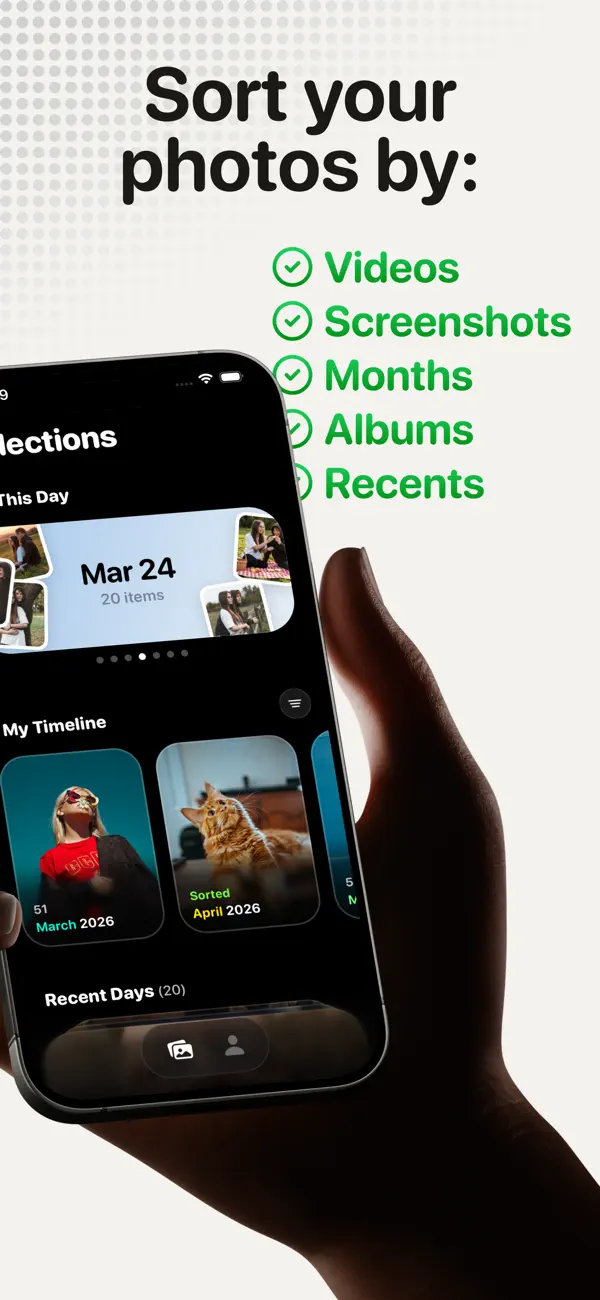
KeepYeet separates videos, screenshots, Recents, albums, and months into focused sessions. Start with storage-heavy videos, switch to screenshot clutter, and leave sentimental months for a more thoughtful review.
Whether you begin with a video filter or another focused swipe session, every final deletion remains under your control and review comes before removal. KeepYeet also shows storage reclaimed and overall cleanup progress.
Questions people ask
free up phone storage FAQ
Do photos and videos use a lot of phone storage?
A large media library can use substantial storage, and longer or higher-quality videos often have the greatest impact per item.
Does deleting media free storage immediately?
Not always. The device may keep deleted items in Recently Deleted or Trash for a recovery period, so permanent space recovery depends on the photo library's behavior.
Can KeepYeet show how much storage was reclaimed?
Yes. Reclaimed storage and cleanup progress are visible parts of the KeepYeet experience.
Verified references
Platform and product sources
- Apple Support: Manage photo and video storage — Apple explains how photos and videos use device storage and the available storage-management options.
- Google Photos Help: Manage storage — Google explains photo and video storage, cleanup categories, and storage estimates.