
Video storage cleanup
Delete Large Videos to Free Space Without Losing What Matters
By Omer Yom Tov, creator of KeepYeet · Updated July 15, 2026
Videos are a sensible first stop when storage is tight because one recording can occupy more space than many still photos. But file size does not determine personal value. A long family clip may be irreplaceable, while an equally large accidental recording may be an easy deletion.
Use a video-first review to reduce the number of decisions required for a meaningful storage result. Watch enough of each recording to identify it, consider whether a better version exists, and separate confident removals from clips that need a more careful decision.
A practical process
How to delete large videos to free space
- 1
Review videos as a separate category
Open a video-only session so storage-heavy files are not buried among still photos. Begin with recordings whose context you already recognize.
- 2
Judge value before size
Remove accidental recordings, outdated references, and clips that no longer matter. Keep irreplaceable moments even when they occupy significant storage.
- 3
Confirm and account for recovery storage
Inspect all videos marked for deletion before confirming. Your device may keep removed media in Recently Deleted or Trash, so space can remain occupied during the recovery period.
Keep the session useful
A quick cleanup checklist
- Accidental recordings or clips with no useful content
- Outdated screen recordings and temporary references
- Long takes when a stronger recording already preserves the moment
- Irreplaceable clips that deserve a cautious decision
- Recently Deleted or Trash storage after final removal
Where KeepYeet fits
Run a video-first storage session with KeepYeet
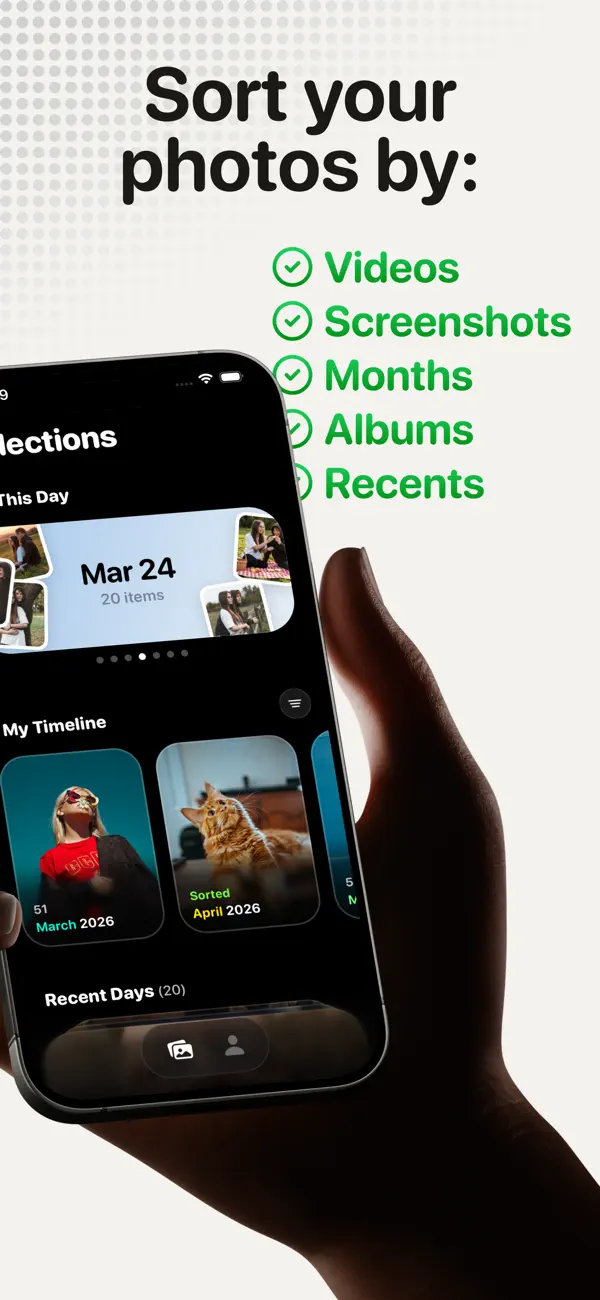
KeepYeet includes a dedicated video filter, letting you review this high-impact category without sorting every photo first. Swipe right to keep a clip and left to mark it for deletion, using your own context rather than an automatic judgment.
Before deletion, review the marked videos as a group. KeepYeet then shows cleanup progress and storage reclaimed, helping you see whether the video session addressed the original storage goal.
Questions people ask
delete large videos to free space FAQ
Why should I review large videos before photos?
Videos often use more storage per item, so a smaller number of confident video deletions may have a larger storage impact than a long photo session.
Does KeepYeet include a separate video filter?
Yes. You can open a video-focused session and make manual keep-or-delete decisions for that category.
Why did storage not change immediately after deleting videos?
The device may retain deleted videos in Recently Deleted or Trash for recovery. Full storage recovery depends on the photo library's deletion behavior.
Verified references
Platform and product sources
- KeepYeet on the Apple App Store — The public listing is the source for KeepYeet's current product behavior, compatibility, and privacy disclosures.
- Apple Support: Manage photo and video storage — Apple explains how photos and videos use device storage and the available storage-management options.
- Google Photos Help: Manage storage — Google explains photo and video storage, cleanup categories, and storage estimates.