
Month-by-month cleanup
Organize Photos by Month With a Repeatable Review Routine
By Omer Yom Tov, creator of KeepYeet · Updated July 15, 2026
A month is a useful boundary for photo cleanup because it keeps related events, places, and people close together. That context helps you distinguish the strongest memories from temporary images or weaker attempts. It also creates a natural stopping point that a full-library scroll does not provide.
Organizing by month does not have to mean creating a new album for every calendar page. It can simply mean reviewing one chronological group, reducing its clutter, and recording that the period has received attention before moving to another month.
A practical process
How to organize photos by month
- 1
Choose a month with a reason
Start with a recent month, a trip, a busy season, or a period you know contains many photos. A clear reason makes it easier to begin.
- 2
Review related moments together
Look at photos within their chronological context. Keep the images that best preserve the event, and mark practical clutter or weak attempts for deletion.
- 3
Close the month deliberately
Inspect the marked items, confirm confident choices, and note the completed progress. Choose the next month only when you are ready for another session.
Keep the session useful
A quick cleanup checklist
- Pick one month rather than one entire year
- Review event photos while their context is visible
- Keep meaningful differences between similar moments
- Move uncertain items out of the deletion list
- Use completed months as milestones for long-term progress
Where KeepYeet fits
Use KeepYeet as a month-by-month review companion
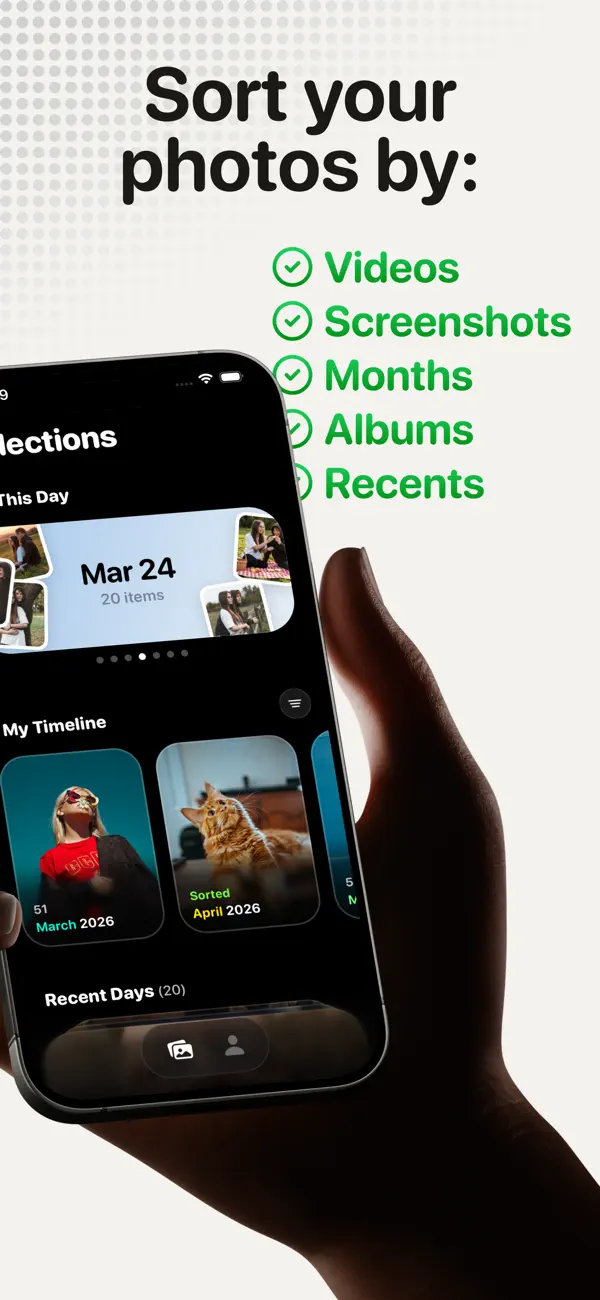
KeepYeet includes month-based cleanup so you can enter the library through a clear chronological group. Within the month, swipe right to keep each memory or left to mark an item for deletion, without losing the surrounding period as context.
After the swipe session, review the marked items before final deletion. KeepYeet records progress and reclaimed storage, making it easier to stop after one month and resume the broader cleanup later.
Questions people ask
organize photos by month FAQ
Why organize photos by month?
Months create manageable groups and keep related events together, which makes both memory decisions and stopping points clearer.
Does KeepYeet automatically create monthly albums?
The verified feature is month-by-month review and cleanup. It does not need to create new albums for the method to work.
Which month should I clean first?
Choose a recent month for easier decisions or a known high-volume month for a larger impact. The best starting point is one you can finish.
Verified references
Platform and product sources
- KeepYeet on the Apple App Store — The public listing is the source for KeepYeet's current product behavior, compatibility, and privacy disclosures.
- Apple Support: Create and work with photo albums — Apple documents how albums organize photos and videos without removing them from the library.