
Photo cleaner app guide
How to Choose a Photo Cleaner App You Will Actually Use
By Omer Yom Tov, creator of KeepYeet · Updated July 15, 2026
The best photo cleaner app is not the one with the most dramatic promise. It is the one that lowers the effort required to return regularly, gives you enough context to make good decisions, and prevents an accidental tap from becoming an irreversible cleanup. A useful app should fit both a two-minute maintenance pass and a deeper review of older memories.
Evaluate the workflow rather than the marketing label. Check how it handles screenshots, videos, recent items, albums, and older months; whether final deletion remains your choice; whether there is a review stage; and whether the app clearly shows what you accomplished.
A practical process
How to photo cleaner app
- 1
Test how quickly a session can start
A strong photo cleaner app should let you choose a meaningful category without scrolling through the entire library or completing an account setup first.
- 2
Check who confirms deletion
An app can make review faster, but the final judgment about what stays should remain yours.
- 3
Inspect the safety and progress signals
Confirm that marked items can be reviewed before deletion and that finished sessions show useful progress, including reclaimed storage when available.
Keep the session useful
A quick cleanup checklist
- Fast access to Recents and common clutter categories
- Month and album views for contextual review
- Control over every final removal
- A readable deletion review before confirmation
- Visible progress that encourages another session
Where KeepYeet fits
Why KeepYeet is designed for repeatable cleanup
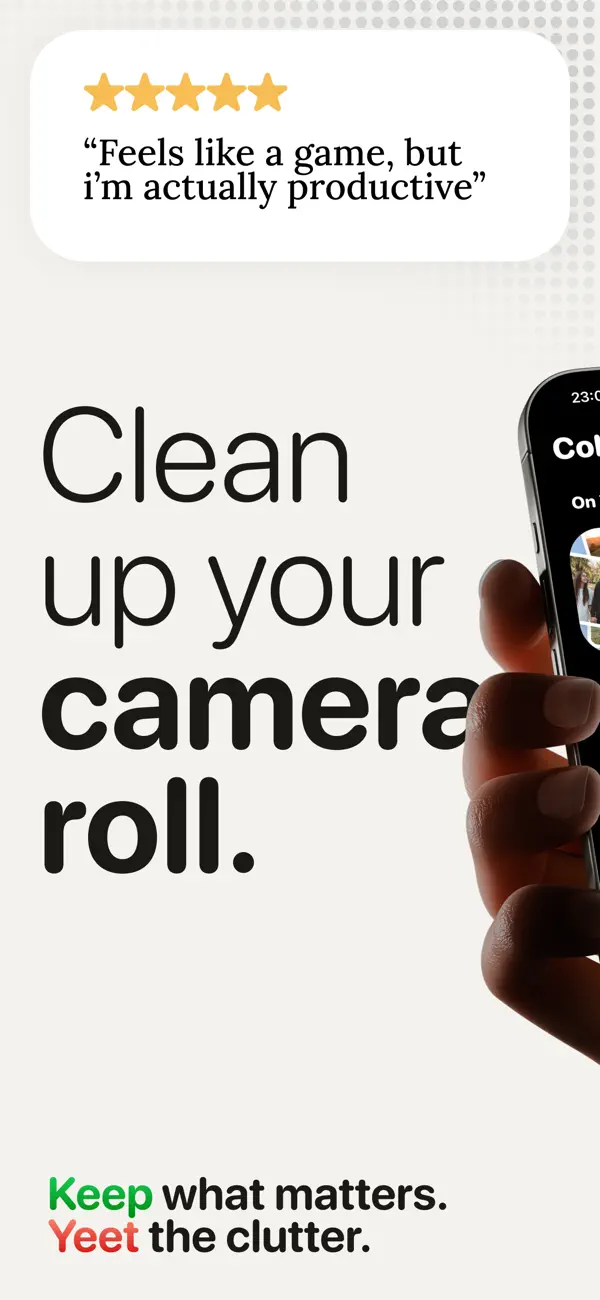
KeepYeet opens directly into useful cleanup paths: Recents, screenshots, videos, albums, and months. In swipe sessions, right keeps an item and left marks it for deletion, followed by a review step.
There is no required account, photo review stays on-device, and the app records cleanup progress and storage reclaimed. Those choices make it practical for both quick maintenance and a gradual photo-library reset.
Questions people ask
photo cleaner app FAQ
What features matter most in a photo cleaner app?
Prioritize useful filters, control over final deletion, understandable progress, and a workflow short enough to repeat regularly.
Do I need an account to use KeepYeet?
No. You can begin the photo-cleaning workflow without creating an account.
Can a photo cleaner app help free storage?
It can help you identify and remove unwanted photos and videos. KeepYeet also shows storage reclaimed so you can see the impact of completed cleanup.
Verified references
Platform and product sources
- KeepYeet on the Apple App Store — The public listing is the source for KeepYeet's current product behavior, compatibility, and privacy disclosures.
- Apple Support: Delete photos on iPhone or iPad — Apple explains deletion, Recently Deleted, recovery, and the 30-day retention period.
- Google Photos Help: Delete photos and videos — Google explains Trash behavior and how retention differs by backup state.